
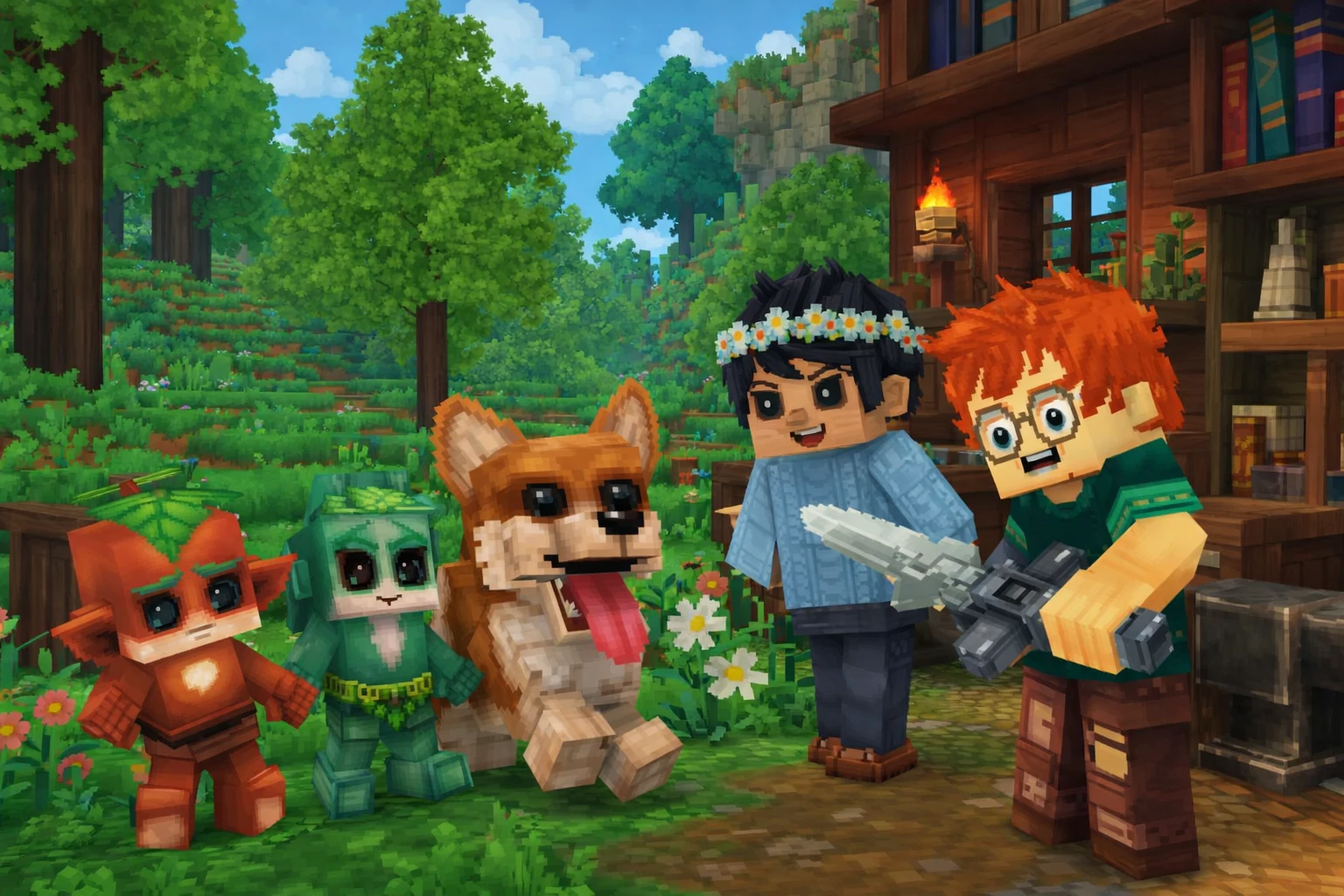
How do you make a Hytale server?
The quickest way is Hytale server hosting: pick Hytale, choose your RAM, and a minute later you have an address to paste into the game. The alternative is self-hosting on your own PC or a VPS with Java 25 – free, but you download the files, open the port and keep the server updated yourself.
| Option | Cost | Online 24/7? | Effort | Best for |
|---|---|---|---|---|
| Open your world to friends (Online Play) | Free | Only while you play | A few clicks, if your router cooperates | 2–3 friends, quick sessions |
| Self-hosted server on your PC | Free hosting, you pay for power | Only while your PC is on | Java, server files, UDP port, updates | People who enjoy tinkering |
| Hytale server hosting | From $3.90 / month, first 24 h free with us | Yes | A few minutes | Regular groups, modded servers, public servers |
Whichever route you take, every Hytale server has to be authenticated once with a Hytale account – more on that below.
What are the Hytale server requirements?
The official Hytale Server Manual says a server needs at least 4 GB of memory and Java 25, and runs on both x64 and arm64. The developers stress that resource usage depends heavily on how people play:
- RAM scales with the loaded world area – view distance, and whether players explore together or each head off in a different direction,
- CPU is driven mostly by player and entity counts (NPCs, mobs).
Hytale's default view distance is 384 blocks, which the developers compare to roughly 24 Minecraft chunks. They recommend capping it at 12 chunks (384 blocks), because view distance is the biggest driver of memory use.
How much RAM does a Hytale server need?
For a small group of friends, plan on 4 GB – the official minimum. As a rough guide:
| Server | RAM (rough guide) |
|---|---|
| Testing, 1–2 players, low view distance | 2 GB |
| Small group (3–6 players) | 4 GB |
| Bigger group, players spread across the map | 6–8 GB |
| Lots of mods or a public server | 8 GB+ |
On Spot.gg a Hytale server starts at 2 GB ($3.90 / month), and the 4 GB plan is $5.99 / month. Every plan includes 4 vCPU. You can change the RAM in the panel at any time, up or down, so it's fine to start small and add memory if the server starts to lag. A classic sign of a Java server running out of memory is CPU usage climbing as the garbage collector works harder.
How do you set up a Hytale server with a host?
Create an account, activate a server with Hytale, authenticate it in the console and send your friends the address. On Spot.gg it goes like this:
- Create a Spot.gg account and confirm your email.
- Activate a free server and choose Hytale – the first 24 hours cost nothing and no card is needed.
- Pick a location close to your players and wait a moment for the install.
- Open the Console tab and authenticate the server with your Hytale account (see the next section).
- Click "How to connect?" in the panel's top bar – the "Connection instructions" window shows the server address with a copy button.
When the trial ends you can extend the server and keep playing on the same world, or simply let it expire. Plans and prices are on our Hytale server hosting page – it's cheap to start, and you only pay for the RAM and disk you pick.
How do you authenticate a Hytale server (/auth login device)?
After the first start, type /auth login device in the console, open the link it prints, sign in with your Hytale account and confirm the code. Until you do, the server won't accept players – Hytale requires authentication so servers can talk to its services and to counter abuse.
- In the Console tab, type:
/auth login device. - The console prints a link to
accounts.hytale.com/deviceand a code such asABCD-1234. The code is valid for 15 minutes. - Open the link in your browser, sign in with the Hytale account you bought the game on, and approve it.
- Once the console reports a successful login, also type
/auth persistence Encrypted– the server saves its credentials so you don't have to log it in again after a restart.
You'll need to repeat this after reinstalling the server. One Hytale license can authenticate up to 500 servers, so the limit won't matter for a normal player.
How do you play Hytale with friends?
Either open your singleplayer world with "Online Play", or run a server your friends join through "Servers → Add Server". The first is free, but it only works while you're playing and depends on your home network.
Opening your world with Online Play
Load your world, press ESC, choose Online Play and switch on Allow Other Players to Join (a password is optional). The game generates a share code your friends paste into Servers → Join via Code. Under the hood this uses UPnP, and Hytale's own support page warns it doesn't work on every network – it fails with UPnP turned off, double NAT, or carrier-grade NAT (common on mobile and some fibre providers). Also, the share code contains your IP address, so never post it publicly or show it on stream.
Joining a dedicated server
A hosted server stays online around the clock, whether or not anyone's PC is on. Each player:
- Launches Hytale on the same version as the server.
- Clicks Servers → Add Server and pastes the address from the panel into Server Address.
- Types any name into Name and clicks Add Server.
- Double-clicks the server in the list.
Want to keep it private? The allowed players live in whitelist.json and permissions in permissions.json, both in the Files tab. Edit them with the server stopped: Hytale reads its config on startup and overwrites the files when things change in-game.
Which port does a Hytale server use?
Hytale connects over QUIC on UDP, port 5520 by default – not TCP. This trips up a lot of people self-hosting: forwarding only a TCP port on your router won't let anyone in.
- Self-hosting at home – forward UDP 5520 (or whatever you set with
--bind) to the server machine and allow it through your firewall. Behind carrier-grade NAT port forwarding won't work at all, so a VPS or a host is the way out. - Hosted server – nothing to configure. The server gets its own port, and you copy the full address (port included) from the "How to connect?" window.
Which Hytale versions are available, and how do you update?
The client and the server must be on exactly the same protocol version – when the game updates, update the server straight away or players on the new version can't connect. The developers have announced a ±2 version tolerance, but as of October 2026 an exact match is still required.
Hytale is in early access and patches land often, sometimes several in a single week. On Spot.gg a new server version shows up in the panel shortly after release. You install it under Information → Modify → Update – your world and files are kept, and the panel offers to take a backup first. The same screen lets you roll back to an older version if a patch breaks something.
Self-hosting, you get the files with the Hytale Downloader CLI or by copying the Server folder and Assets.zip from your launcher install, and update with the /update commands.
How do you add mods to a Hytale server?
Hytale mods (.zip or .jar files) go into the server's mods/ folder. On Spot.gg you can install them from the Addons tab or upload your own files in the Files tab. Browse the Hytale mods catalog, and see our guide to Hytale server mods for installation, dependencies and troubleshooting.
Why can't I connect to my Hytale server?
The usual suspects are a game version that doesn't match the server, a server that hasn't been authenticated, or a port forwarded for TCP instead of UDP. Quick reference:
| Symptom | Cause | Fix |
|---|---|---|
| Rejected right after connecting | Client and server on different versions | Update the server (Modify → Update) or the game |
| Server is running but nobody can join | Server not authenticated | /auth login device in the console, then /auth persistence Encrypted |
| Timeout on a self-hosted server | TCP forwarded instead of UDP, or CGNAT | Forward UDP 5520; behind CGNAT use a host or a VPS |
| World loads very slowly on servers, singleplayer is fine | Network adapter drivers (Intel/Realtek) with poor QUIC support | Disable adapter settings such as "Priority & VLAN" and "Recv. Segment Coalescing" |
| Lag and rising CPU usage | Not enough RAM, high view distance | Add RAM or cap view distance at 12 chunks |
| Server won't start after adding a mod | Mod doesn't match the server version | Remove it from mods/ or install the build for your server |
The slow-loading issue is covered on Hytale's support site ("Slow Connection / World Not Loading on Server") – it's a Windows driver problem on the player's side, not a server one. On Spot.gg you can also open the chat in the bottom-right corner of the Server Panel at any time; the AI assistant knows your server and will help you work out what went wrong.
FAQ
Is a Hytale server free?
The server files are free if you own the game, so you can run a server on your own PC at no cost – it just has to be on while you play. On Spot.gg a Hytale server is free for the first 24 hours with no card required, then starts at $3.90 per month.
How much RAM do I need for a Hytale server?
The official minimum is 4 GB, which is what we suggest for a small group of friends. View distance and players spreading out across the map use the most memory, so for a bigger group or a modded server plan on 6–8 GB.
What port does a Hytale server use?
UDP 5520 by default. Hytale uses the QUIC protocol, so forwarding a TCP port isn't enough. You can change the port with the --bind argument when starting the server.
Why do I have to run /auth login device?
Every Hytale server has to be authenticated with a Hytale account, otherwise it won't accept players. The command prints a link and a code to confirm on accounts.hytale.com. Afterwards run /auth persistence Encrypted so the server remembers the login.
What's the cheapest way to host a Hytale server?
Self-hosting on a PC you already own costs nothing but power, as long as you can forward UDP 5520 and leave the machine on. If you want the server online 24/7 without that hassle, Spot.gg starts at $3.90 per month, and longer billing periods are discounted.
Will updating Hytale wipe my server's world?
No. Updating the server in the panel (Information → Modify → Update) keeps your world and files. It's still worth taking a backup first – the panel offers one before every update.